
#1

ARZOPA
Z1FC
$109.99
positive
neutral
negative
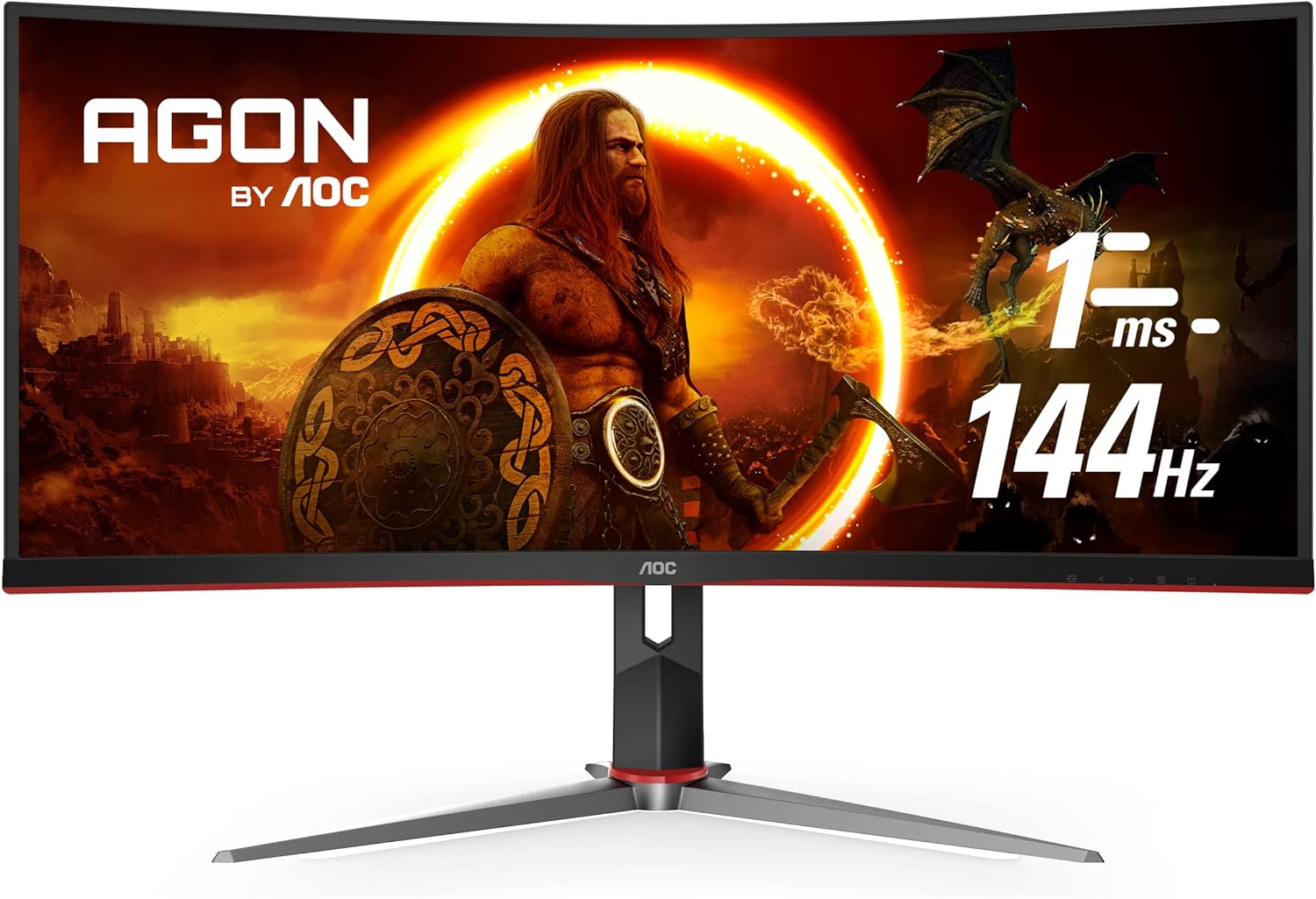
AOC
Based on 29 Reddit mentions
$311.32
Summary of sentiment across key features mentioned by users.
Discover what users really think based on Reddit discussions.
I started off with a VA panel (AOC CU34G2X) then upgraded to an OLED Alienware 34" - yes the OLED is better in many ways but the VA panel was great and I didn't really notice too much smearing. I used it both for work and gaming. I'm actually using both 34 inch monitors right now and both are fine f
...abramN in r/ultrawidemasterrace
August 21, 2025 4:25 PM
8
Szia!23 Karácsony után vettem és azóta is nagyon szeretem. 0 probléma volt eddig vele és marha jó ilyen méretben játszani. :D Ezen dolgozom is. AOC CU34G2X/BK Ívelt Gaming monitor, 34”, WQHD, 3440x1440, 1ms, 144Hz
Vegetable_Tip_1373 in r/programmingHungary
December 4, 2025 8:17 PM
3
Nálam ő van, már lassan 3 éve. Eddig minden játék szépen mutatott full screen-ben, munkához is tökéletes, max. Youtube-nál kell megszokni a fekete sávot. De azt általában úgyis tévén nézem. Amiket teszteltem a teljesség igénye nélkül és full screen volt. GTA V., COD, Cities Skylines 2., Battlefield,
...Vegetable_Tip_1373 in r/GamingHungary
January 10, 2026 2:12 PM
2
Dang, haha I had to go custom (scrap wood and metal) to make something work but I have an AOC CU34G2X 34. Its older but gets the job done.
StringWhole4120 in r/simracing
October 13, 2025 2:46 AM
2
Oled burns, i barely turn off my screen once a month i would burj an oled a week 😂🤣 Plus the ridiculous price, idk men my aoc cu34g2x has a overdrive feature which as medium cuts ghosting completely and i have a lg ultra wide smaller that is ips and the darks and grays are just not comparable they d
...LividFocus5793 in r/Monitors
May 23, 2025 11:46 PM
3
That monitor has noticable smearing: https://www.rtings.com/monitor/reviews/aoc/cu34g2x The only VAs that don't have smearing are the Samsung Odyssey line. But they have a neutered contrast ratio which is likely why they have fast black response times
TalkWithYourWallet in r/Monitors
July 24, 2025 7:52 AM
3
The colour shift on mine is definitely not great, but I simrace about 70cm away from it and don't notice much colour shift. It only gets bad when I am stood up and walk around it. For reference I am using an AOC CU34G2XE.
CookiezFort in r/simracing
June 17, 2025 2:27 PM
2
Its nice, got it a while back and have 0 regrets https://www.amazon.com/AOC-CU34G2X-Frameless-Immersive-Adjustable/dp/B07ZB2TNZZ
Minkyt29 in r/moza
July 15, 2025 2:04 PM
2
My sub £1k setup is finally complete and I couldn't be happier with how it turned out. Other than the monitor/mouse, it's all been FB marketplace finds or second hand scores. Monitor: AOC 34" CU34G2XE Clock: Newgate Supergenius Audio: Google Nest Mini Peripherals: Dierya DK61 / Protoarc EM01 Enclosu
...Miniteshi in r/AverageBattlestations
January 24, 2025 8:47 PM
3
I ended up with an AOC CU34G2X/BK for around 350€ back in the day, this was 2 years ago I think but I just checked that AOC has a similar model now but with 180hz that is better in everything and it's around 275€ It seems that those monitors prices dropped af in the last couple of years, damn
Fonslayer in r/ultrawidemasterrace
October 30, 2025 12:19 AM
1

