
#1
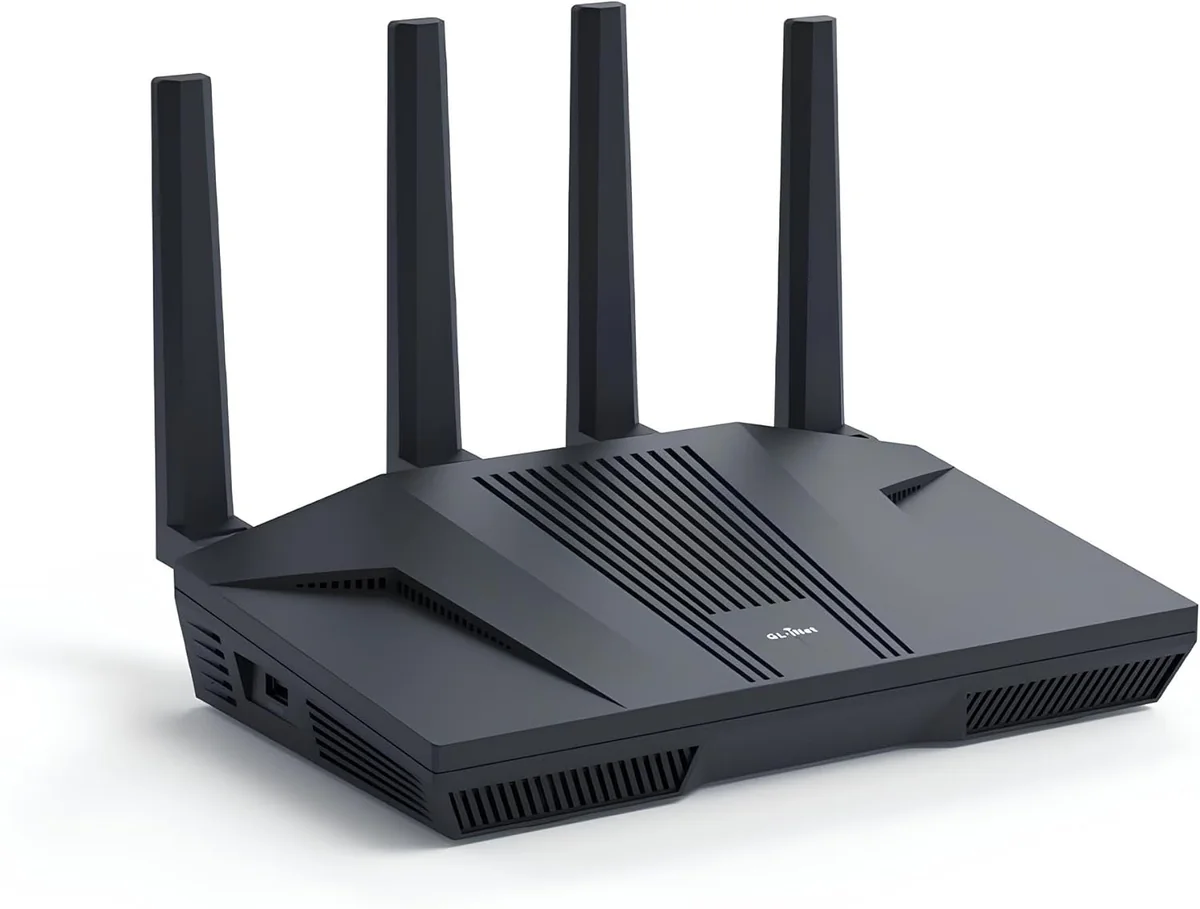
GL.iNet
CA$235.99
Flint 2
336 opinions
301 positive2 neutral33 negative
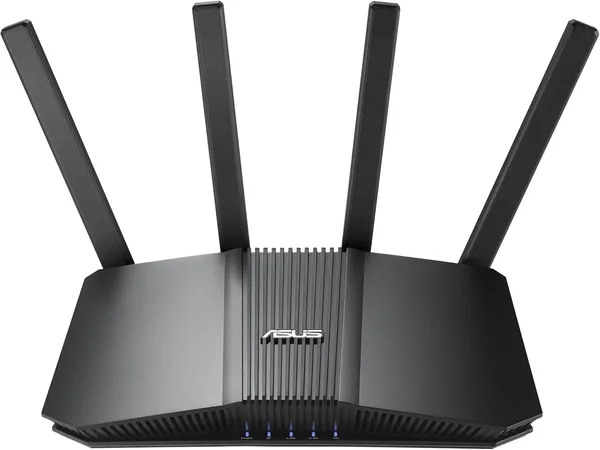
ASUS
RedDB rating based on Reddit opinions
Reddit score
RedDB's algorithmic rating based only on relevant Reddit opinions.
It uses one opinion per author: their highest-upvoted mention.
Evidence volume, recency, and votes affect the result.
The opinion count and sentiment bar include all analyzed relevant opinions; the bar does not represent the score out of 100.
CA$214.99
Sentiment summary across the product areas Reddit users mention most.
Original Reddit posts and comments behind this analysis.
Ok, solved the problem! Put Q1000K in transparent mode. Got white light. Set Asus router to Automatic IP, did NOT set VLAN 201 but did change DHCP action to Continous. Initially got the DHCP error but had to leave and left system in that state for a couple of hours. When I returned it was connected!
...Warnonger in r/QuantumFiber
May 16, 2026 at 1:00 p.m.
5
Erm, that router is old as heck. iirc Netgear gave it the official EOL. IMO it did not have enough CPU and RAM to even support stable speeds at 500Mbps or greater from WAN/ ISP. I'd say go pick up a new router that is able to support at least 1Gbps - 3Gbps on the WAN PORT. Then troubleshoot the rest
...-iamLEEROYJENKINS in r/HomeNetworking
June 22, 2026 at 2:24 p.m.
4
fuck me the overkill with this shit is off the charts. I know right - between light, blinds, fans and wifi connected devices I must have over a 100 devices on my wifi. I don't even need mesh. Just a mid-range router (Asus rt-be82u) goes through brick walls - heck I can even stream YouTube from the s
...Pristine_Help9273 in r/AusRenovation
June 1, 2026 at 1:10 p.m.
3
Your router needs to be upgraded. It is fine for regular use by your devices, but when you load up the demand from your WAN side, the router does not have enough CPU and RAM to keep up. EDIT: your ISP 400Mbps/ 400Mbps is fine, maybe upgrade to 1Gbps if you really feel you need to. But you need a bet
...-iamLEEROYJENKINS in r/HomeNetworking
June 26, 2026 at 12:55 a.m.
3
the only problem I read about is that newer devices tend to gravitate to the newer models, at least the one I read about was from TP-Link. I have 2 mesh devices. Asus XT8 and Asus Rog GT6. The GT6 is newer but it does not gravitate towards it. The XT8 and GT6 have different Graphic User interfaces a
...banlag2020 in r/HomeNetworking
June 13, 2026 at 4:51 a.m.
2
If you want to stay with ASUS, some good upgrade options to WiFi 6 include ASUS RT-AX86U Pro (if available in your region, otherwise just AX86U), or ASUS RT-AX58U (RT-AX3000) for a lower cost option. For WiFi 7: If you don't need the 6ghz band of WiFi 7 then ASUS RT-BE58U is a good entry level route
...sunrisebreeze in r/HomeNetworking
May 3, 2026 at 6:12 p.m.
2
Sure, just buy a new Asus router, like a BE82U
Kubario in r/HomeNetworking
May 1, 2026 at 3:39 p.m.
2
Hardwire everything you can. I just got an ASUS RT-BE82U which is dual band and has been very stable, although most of the time most of my traffic runs over wired. I have 33 total devices right now. The BE82U is dual-band, they also have tri-band models if you have devices that support 6GHz or are u
...ToadSox34 in r/wifi
April 14, 2026 at 1:49 p.m.
2
Wow if I'm honest AUD$1300 for a home router setup is insane. Even TP Link's own BE9700 would be more than adequate for under $400, and Ubiquiti or Asus offer equiv/superior options for the same money. I won't suggest any specific models as I don't know which manufacturers meet your Customer Support
...pptn12 in r/HomeNetworking
September 15, 2025 at 9:13 a.m.
4
Between the ASUS TUF AX6000 and the ASUS RT-BE82U, I'd choose the RT-BE82U as the router for these reasons: Even though it only has 2x2 for 2.4ghz, it has 4x4 for 5ghz, which is more important [higher speed band]; it is WiFi 7 (dual band but still, newer tech); all its WAN/LAN ports are 2.5gigabit;
...sunrisebreeze in r/HomeNetworking
October 30, 2025 at 6:10 a.m.
2
GL.iNet
CA$235.99
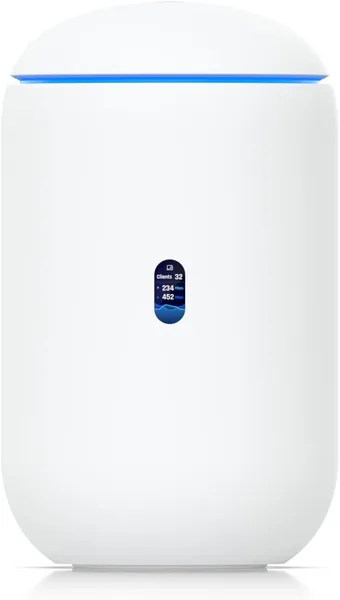
Ubiquiti
CA$415.40
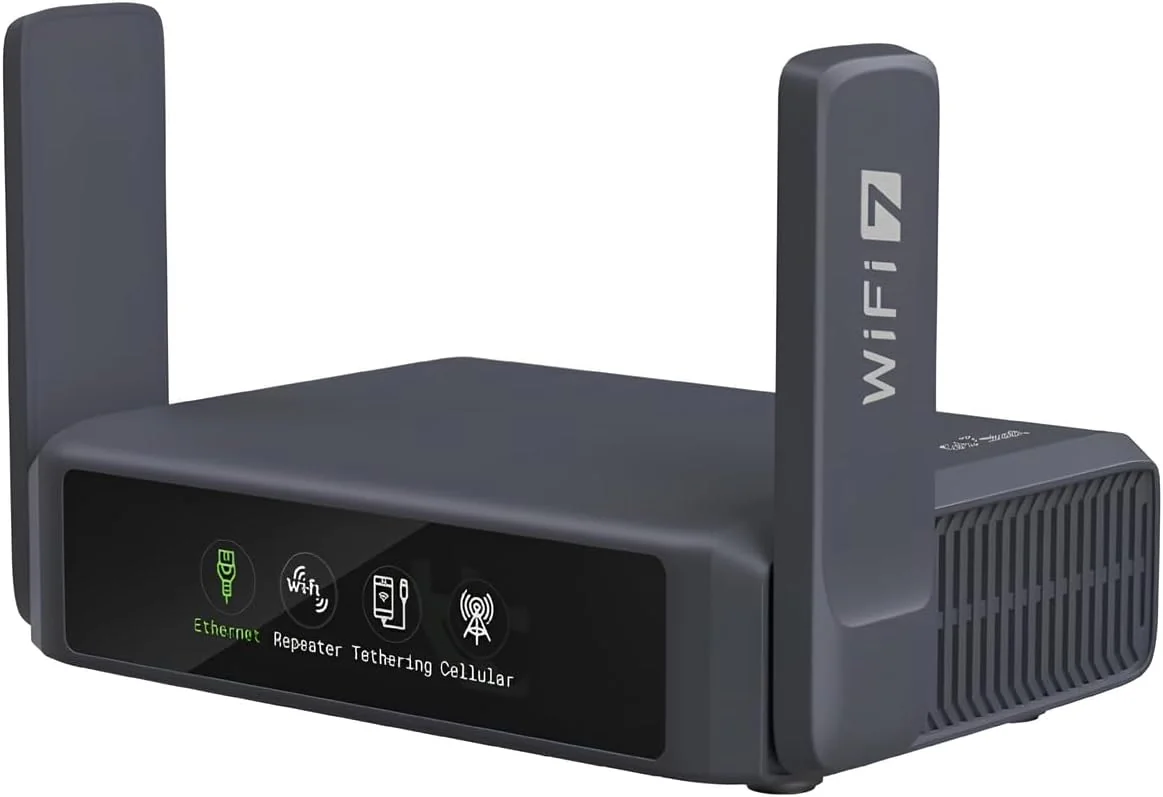
GL.iNet
CA$232.99